
AI coding assistants: editors, extensions, agents and app builders
AI code editors, IDE extensions, terminal agents and app builders solve different problems. How to pick the right shape before comparing brands.
On this page7 sections
"AI coding assistant" used to mean autocomplete. It now covers at least four different kinds of product: editors rebuilt around a model, extensions for the editor you already use, agents that take a task and work through a repository on their own, and builders that turn a prompt into a running app. They overlap at the edges, and most vendors are adding features from the other three categories, but each is built around a different idea of who is doing the work.
Comparing a terminal agent with an app builder on price or benchmark scores is comparing a drill with a carpenter. Pick the shape first; the field narrows from dozens of tools to a handful, and the comparison that remains is one you can actually make.
The cards in this post are live catalog listings. Pricing, status and trust details come straight from each tool's card, so they stay current after this was written.
1. AI-native code editors
The editor itself is designed around the model. Beyond completion, you get chat that can see the whole codebase, edits that span several files at once, and an agent mode that proposes a change, applies it and shows you the diff.
The trade-off is switching editors. That is less painful than it sounds when the editor is built on the same foundation as the one you use now: Cursor, for example, is a fork of VS Code, so most extensions, themes and keybindings carry over.
Choose this shape if you spend most of the day in one editor and want AI involved in nearly everything you do there.
Cursor
73AI-first code editor whose agents edit multi-file projects, run in the cloud and review pull requests
2. Extensions for the IDE you already use
These add completion, chat and increasingly agent features to an existing editor: VS Code, the JetBrains family, Visual Studio and others. You keep your setup, your team keeps theirs, and adoption is a plugin install rather than a migration.
This is also where the enterprise options tend to be strongest: administrator controls, policy settings, and in some cases deployment inside your own infrastructure for teams that cannot send code to a third party.
Choose this shape if your team is standardised on an IDE, or if procurement and data-handling rules decide more than personal preference does.
Inline completions, chat and coding agents across the major IDEs
Tabnine
59Enterprise code assistant that can run fully air-gapped

AWS coding assistant for IDEs, CLI and console
Assistant and coding agent bundled into JetBrains IDEs
3. Agents that work through the repository
Instead of suggesting the next line, an agent takes a task in plain language, such as "add rate limiting to the login endpoint and write tests for it", then plans the change, edits files, runs commands and tests, and hands back a result for review. Some run in your terminal next to your own tools; others work in a sandbox of their own and report back through chat or a pull request.
The skill that matters shifts from writing code to specifying and reviewing it. Small, well-described tasks with good tests come back well; vague, sprawling ones come back as large diffs that take longer to review than to write. Cost usually follows usage rather than seats, so a heavy week costs more than a light one.
Choose this shape if you are comfortable reviewing diffs, your project has tests an agent can run, and you have a backlog of well-defined tasks.
Terminal agent that edits code and runs commands
Aider
59Open-source pair programming agent in the terminal
Devin
32Autonomous software engineer working in a cloud VM
Aider is worth singling out as the open-source option in this group: it runs in the terminal, works with many different models through your own API key, and records its changes as ordinary git commits.
4. App builders
You describe an app and get a running one in the browser: interface, data, and often hosting and a database, with the code generated behind the scenes. For prototypes, internal tools and validating an idea, nothing else gets from zero to a clickable product as fast.
The questions to ask are about the second month, not the first hour. Can you export the code and run it elsewhere? What happens when the app outgrows what the builder generates well? Is the hosting part of the deal, and what does it cost at real traffic?
Choose this shape if the goal is a working product quickly and the code is a means rather than the point, or if you are not a developer at all.
Lovable
32Describe an app and get a deployed full-stack project
Bolt.new
59In-browser agent that builds and runs web apps
v0
85Vercel's agent that turns prompts into working Next.js apps and UIs, deployable in one click
Replit
69Browser workspace where an agent builds and ships apps
Which shape fits
| Shape | Best when | Watch out for |
|---|---|---|
| AI-native editor | You live in one editor and want AI everywhere in it | Switching cost for the team; usage caps on premium models |
| IDE extension | Your team is standardised on an IDE | Features vary by editor; check your IDE is fully supported |
| Repository agent | You have tests and well-scoped tasks | Review time on large diffs; usage-based cost |
| App builder | You need a working app fast | Code export, hosting lock-in, complexity ceiling |
Most developers end up with two: an editor or extension for daily work, plus an agent for the tasks they would rather delegate.
Five questions to ask any of them
- Where does my code go? Read the data-retention policy and check whether your code can be used for training, and whether you can opt out.
- Which models, and can I choose? Some tools lock you to one model family; others let you pick, or bring your own key.
- How is usage metered? Requests, credits, tokens or a flat seat. Then estimate a heavy week, not an average one.
- Can I leave? For editors and extensions this is easy. For app builders, check code export before you build anything you would miss.
- Does it fit how my team works? Supported IDEs, single sign-on, admin controls and whether it can run inside your own network if that is a requirement.
On the third question, our guide to AI tool pricing models explains why a price per request and a price per seat cannot be compared until you multiply each by your own volume.
Explore the category
Every tool here, and many more, is in the catalog's coding and development category, with the same live status, pricing and trust details on each card. Each tool page also lists similar tools, and many link to researched alternatives, which is the fastest way to build a shortlist once you know which shape you are shopping for.
CodingGuides
Every tool named here has a live catalog page — price, status and when we last checked it.
Browse the catalogFollow new posts via the RSS feed.
Keep reading
All posts →State of AI tools, October 2026: 3,264 tools, by the numbers
3,264 AI tools counted on October 13, 2026: domain ages, .ai against .com, how they charge, median prices by category, platforms, countries and shutdowns.
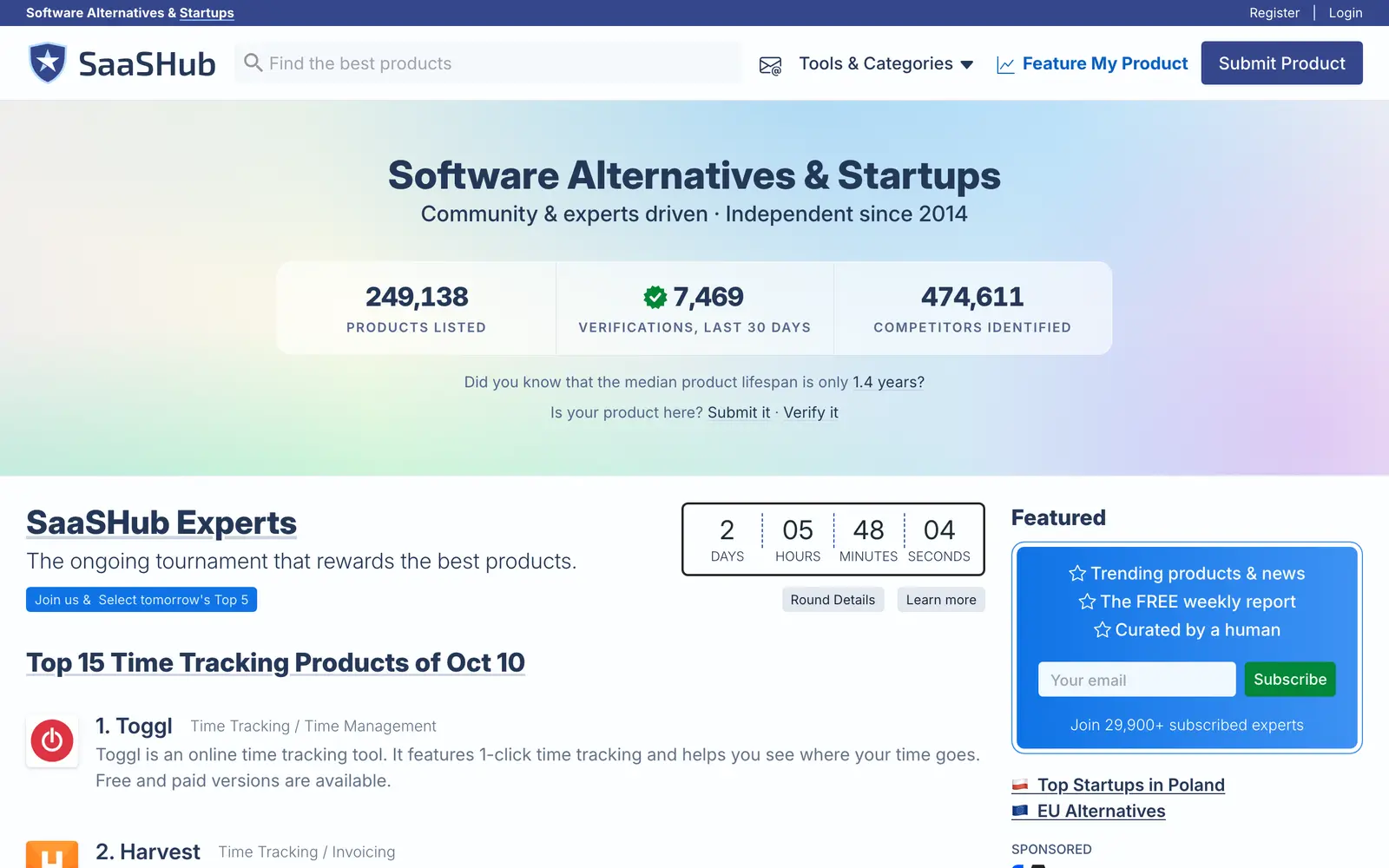
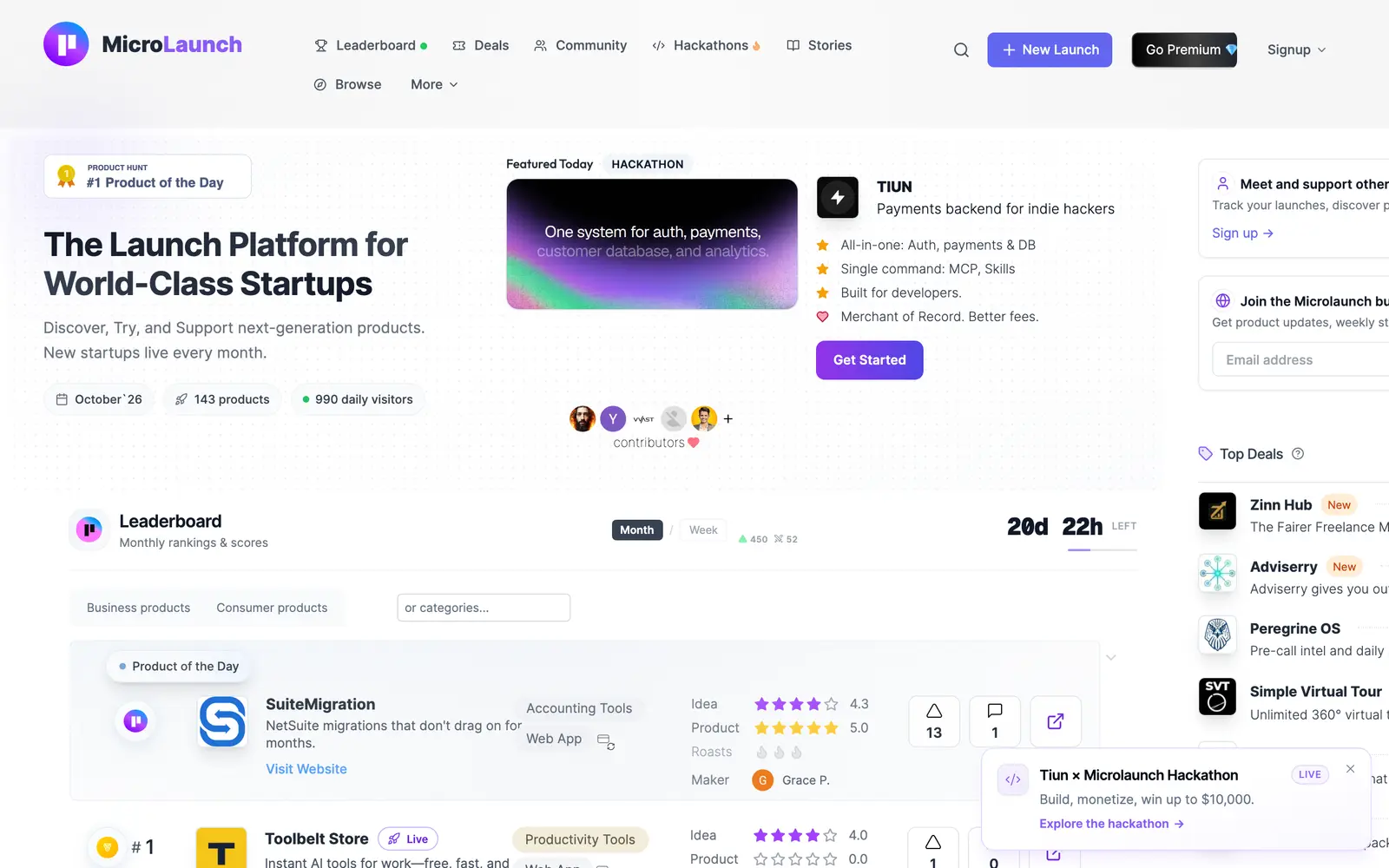
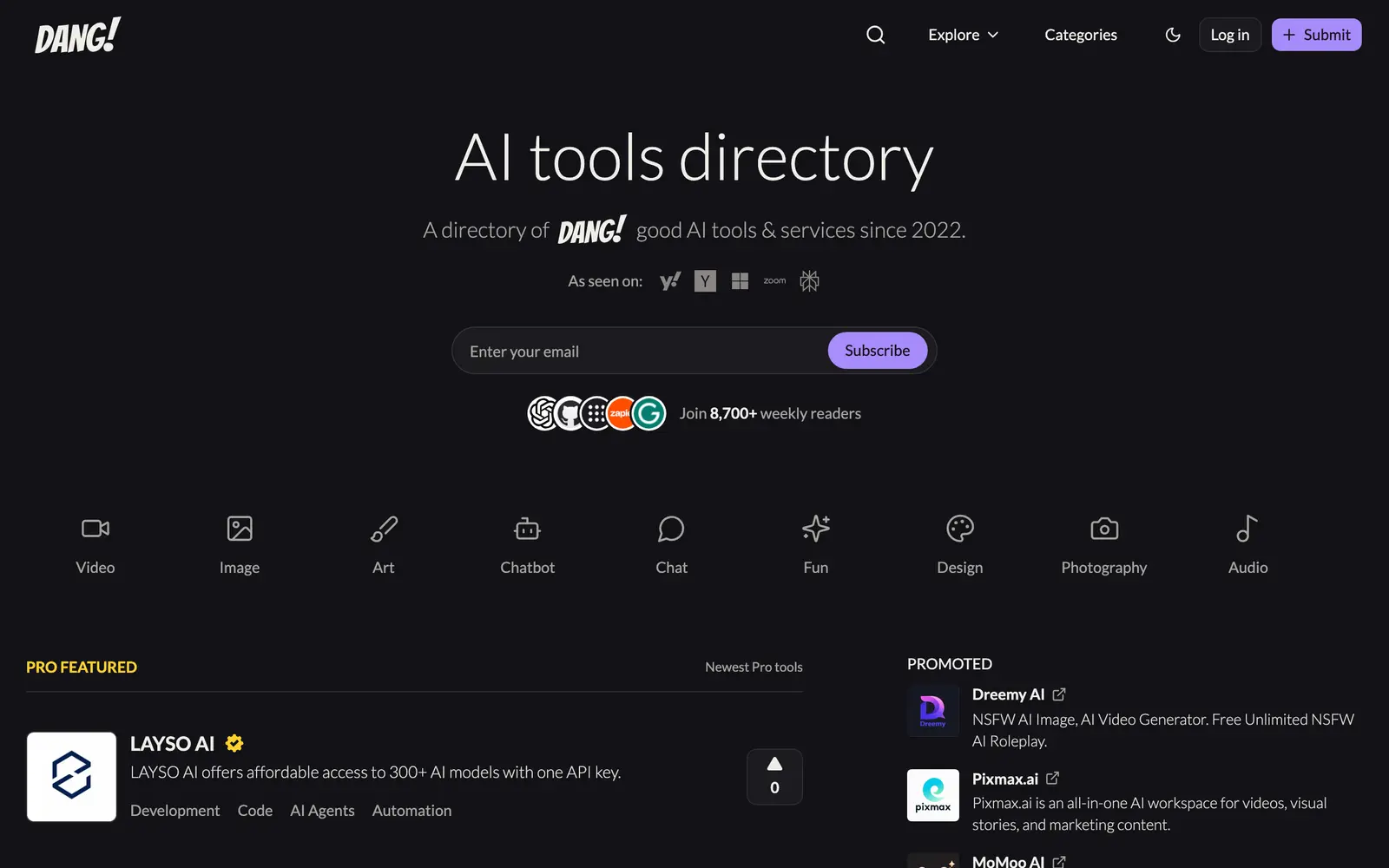
State of AI directories, October 2026: 110 places, by the numbers
110 AI directories and launch sites checked on October 10, 2026: who still lists for free, what a badge buys, median prices, queues, links and closures.
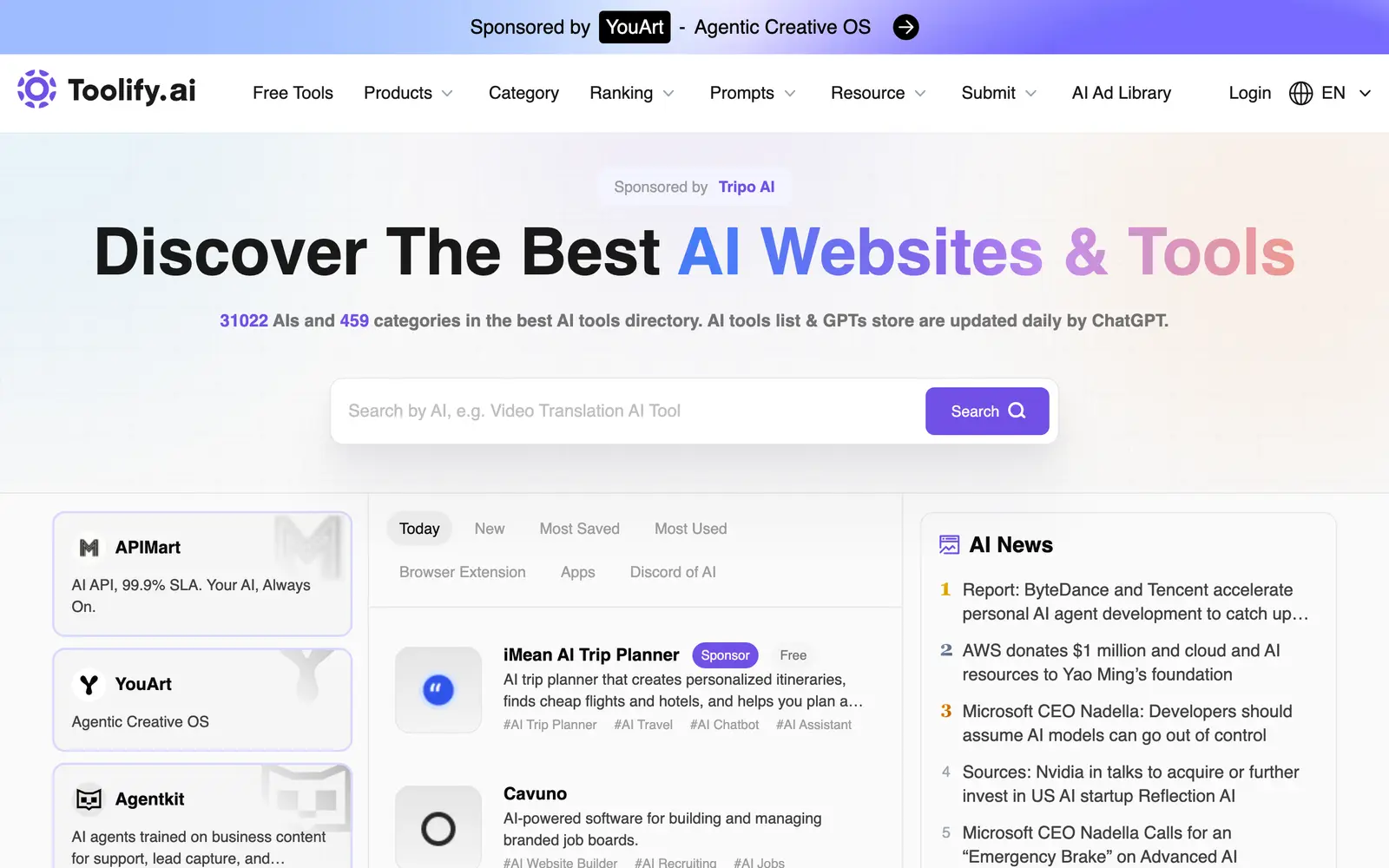

Do AI directory backlinks help SEO? Nofollow, sponsored and dofollow explained
What nofollow, sponsored and ugc mean, what Google says about paid links, and what 97 directories serve in their link tags. Checked October 10, 2026.