
Free, freemium or free trial: what AI tool pricing labels actually promise
Free, freemium, free trial, paid, contact sales: what each label commits a vendor to, the price units that hide the real cost, and how to compare plans.
On this page7 sections
The word next to a price is the most compressed promise on a pricing page. "Freemium" can mean a generous tier you will never outgrow or ten exports and a watermark. "Free trial" can mean a fortnight with every feature or a card on file that converts on day eight. We record one pricing label and one entry price for every tool in the catalog, and deciding which label applies is rarely as obvious as the vendor's own headline suggests.
This guide explains the five labels we use, what each one commits a vendor to, and the detail that changes a price more than the label does: the unit the price is quoted in.
The five labels, and what each one promises
Every listing carries exactly one of these. They describe how you get in the door, not whether the product is good value.
| Label | What it promises | What to check before relying on it |
|---|---|---|
| Free | The product is fully usable without paying | How it is funded, rate limits, what happens to your data |
| Freemium | A permanent free tier, with paid upgrades | The cap: credits, minutes, exports, watermarks, licence |
| Free trial | The paid product for a limited time | Card required, trial length, what converts automatically |
| Paid | No free way in | Refund policy, monthly versus annual billing |
| Contact sales | No public price | Seat minimums, contract length, pilot terms |
A label is a starting point for questions, not an answer. Two freemium tools can differ by an order of magnitude in what the free tier lets you do.
Freemium is a range, not a tier
When a vendor says "free forever", the useful question is: free to do what? The caps that matter most, roughly in the order they bite:
- Volume. Credits per month, generated minutes, images, messages or tasks. Check whether unused allowance rolls over; it usually does not.
- Output restrictions. Watermarks, low resolution, compressed audio or a cap on export length. A free tier that only exports watermarked video is a demo, not a plan.
- Commercial rights. Some free tiers allow personal use only. If the output goes into client work or a product, read the licence, not the pricing table.
- Feature gates. API access, team seats, integrations and data export are the features most often reserved for paid plans.
- Model access. Many assistants keep their newest or largest model behind the paywall, with the free tier on an older or rate-limited one.
If a freemium plan covers your real workload, it is the best deal on the page. If it covers only a test drive, treat it as a free trial without a deadline.
The price unit is half the price
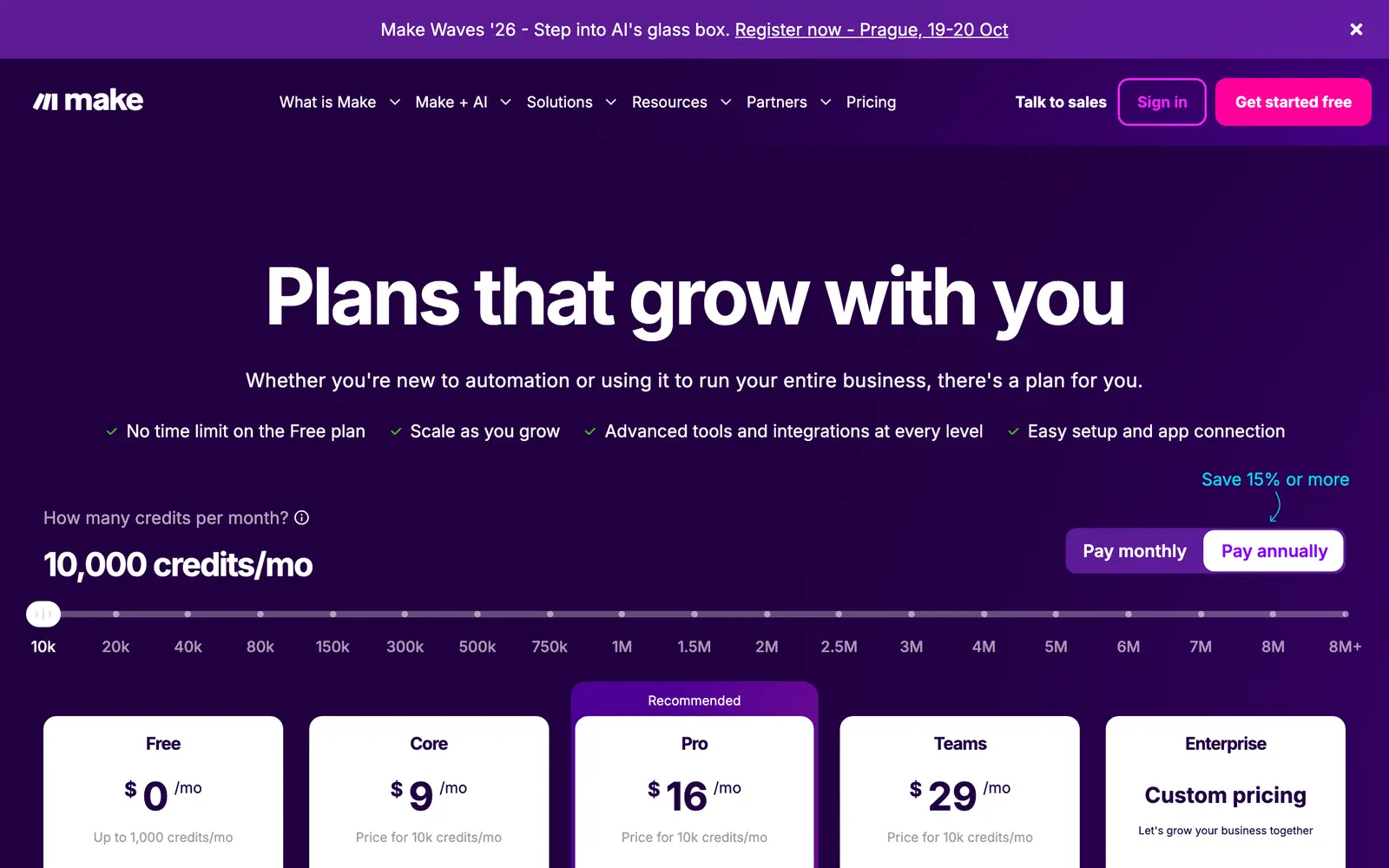
Here is a lesson our own data model had to learn. For a while, every price in the catalog was displayed as a monthly figure. That quietly turned a fourteen-cent charge per call-minute and a yearly plan into "monthly subscriptions" side by side, which made them look comparable when they were not.
So we now record what each entry price is of. The catalog uses eight units:
| Unit | Example of how it is billed | What to estimate first |
|---|---|---|
| Per month | A flat subscription | Nothing, if the plan fits |
| Per year | An annual plan, often discounted | Whether you will still use it in month ten |
| One-time | A licence you buy once | Upgrade and support costs |
| Per minute | Voice, transcription, video generation | Minutes per month |
| Per image | Image generation and editing | Images per month, including rejects |
| Per credit | A wallet spent across features | What one output really costs in credits |
| Per seat per month | Team and workplace tools | Number of people, now and in a year |
| Per request | APIs and developer tools | Calls per month, at peak |
A per-unit price says nothing until you multiply it by your own volume. Ten cents an image is cheap for a weekly social post and expensive for a product catalogue of four thousand items, including the generations you discard.
Two habits make prices comparable:
- Convert everything to your monthly cost at your expected usage. Estimate volume in the vendor's own unit, multiply, and only then compare totals.
- Read annual prices as annual. "$10 a month, billed yearly" is a $120 commitment today. That can be the right call, but it is a different decision from a monthly plan you can cancel.
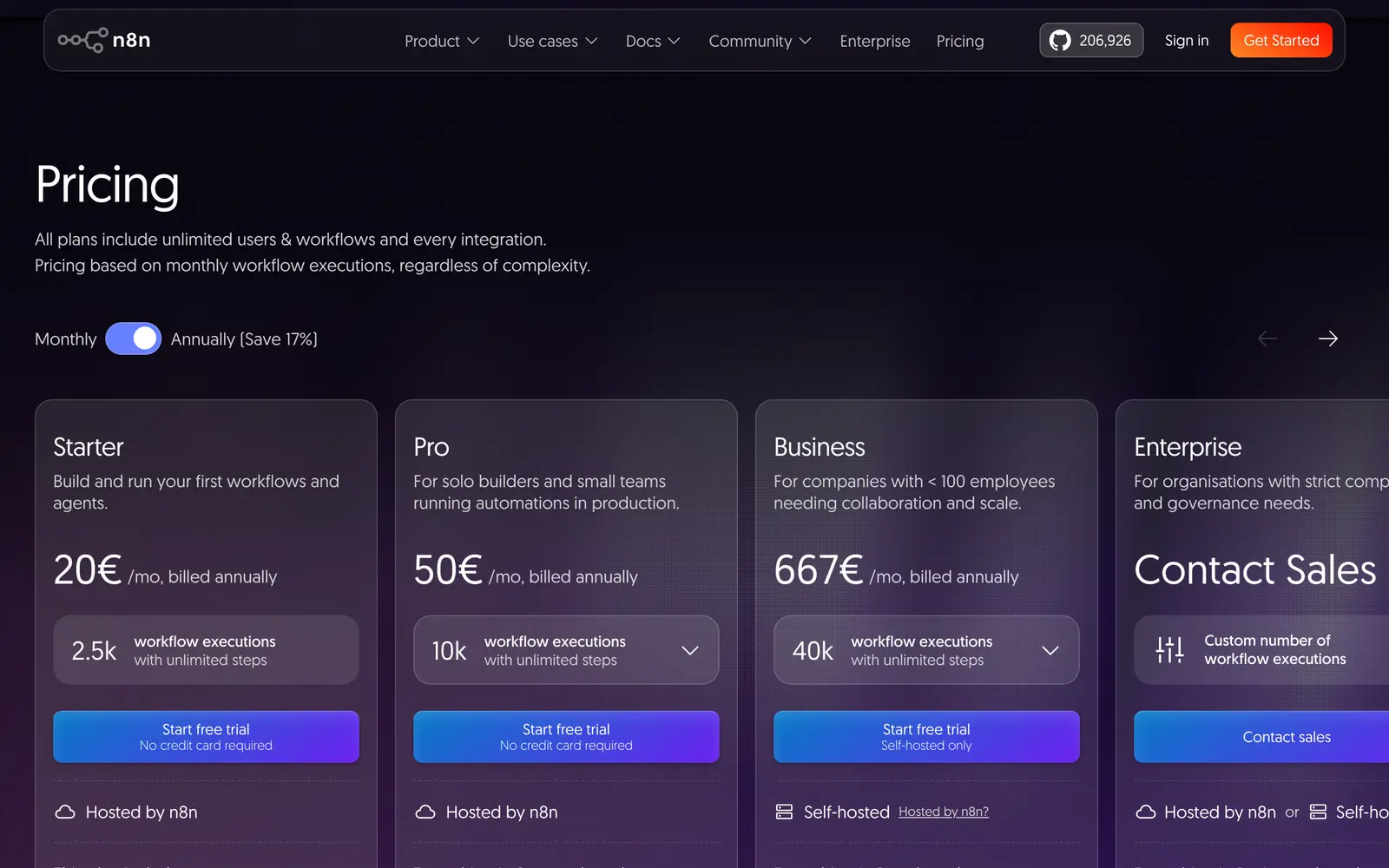
Credit systems deserve extra care. When one action costs a single credit and another costs forty, the headline number of credits tells you almost nothing. Find the cost of the output you actually need, in credits, before comparing plans.
Four questions before you start a free trial
A trial is the most honest way to test a paid product, provided you know how it ends.
- Is a card required? If so, note the date it converts and set a reminder a day earlier.
- What happens at the end? Some trials downgrade to a free tier, some lock your work and some convert to the paid plan automatically.
- Does the trial include what you would pay for? Trials sometimes exclude the very features that justify the price, such as API access or team workspaces.
- Can you take your work with you? Export anything you made during the trial before it ends, in a format another tool can read.
"Contact sales" is information too
A missing price is still a signal. It usually means the product is sold to companies rather than individuals, with annual contracts, minimum seat counts and a sales cycle. If you are one person with a small budget, that is often the clearest answer the page will give you.
If you do need such a tool, ask for a paid pilot with a fixed scope rather than committing to a year up front. The vendors that can sell this way usually have a process for it.
How we record prices in the catalog
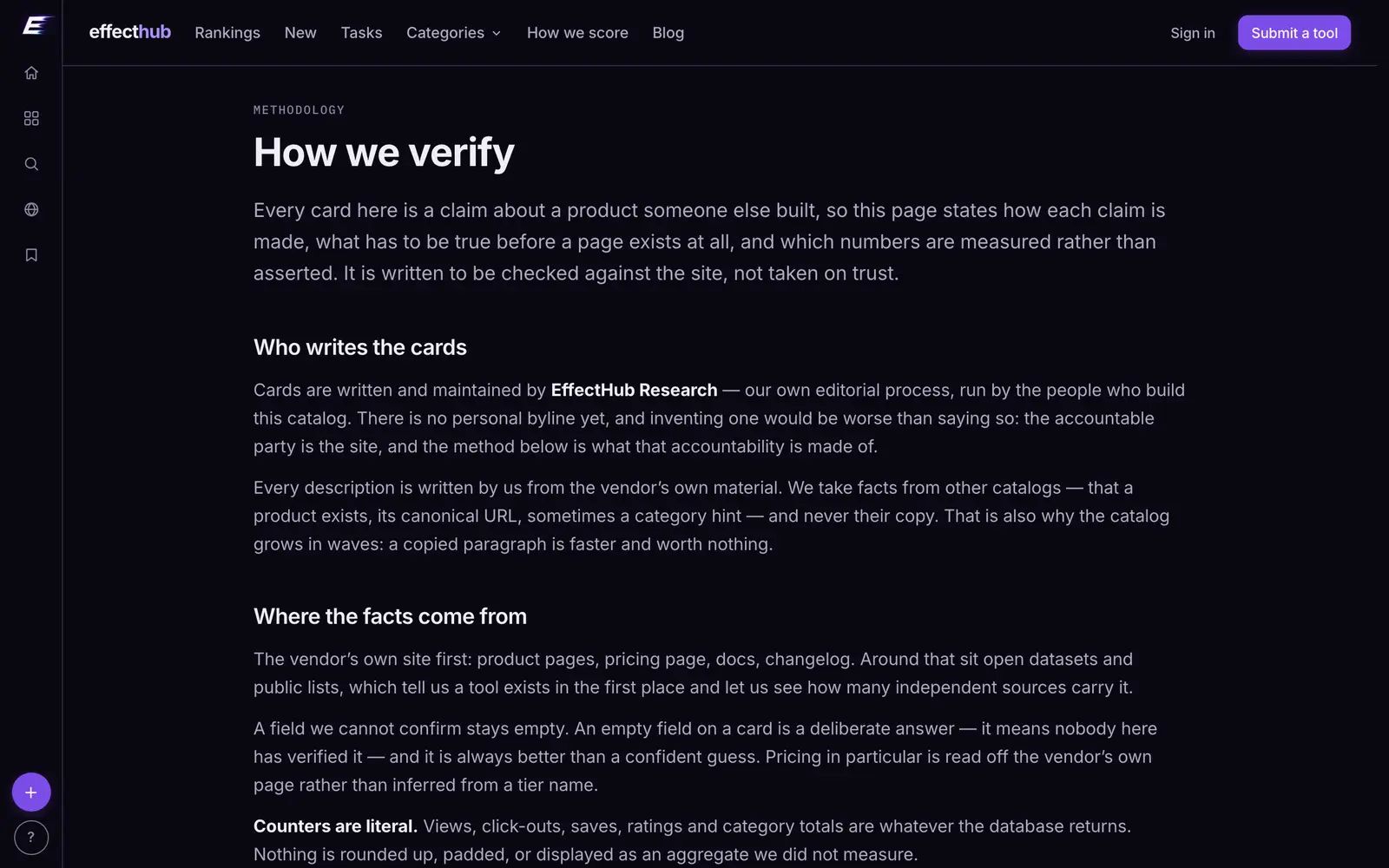
Every card shows the cheapest paid plan we could confirm, in US dollars, with its unit, plus the pricing label above. When a vendor publishes no price, the card shows the label alone rather than a guess. Prices are checked against the vendor's own pricing page, and a card carries the date it was last verified. The full method, including what a listing must prove before it is published at all, is on our how we verify page.
Here are four listings with four different pricing shapes. Their labels and entry prices below come straight from the catalog, so they stay current after this post was written:
Aider
59Open-source pair programming agent in the terminal
Synthetic voices, cloning and dubbing sold by the credit
Terminal agent that edits code and runs commands
Enterprise avatar video platform for training content
Where to start
If you already know which kind of plan you want, the catalog is sorted that way:
- Free AI tools, with no paid tier at all.
- Freemium AI tools, with a free tier that stays free.
- Paid AI tools, when the free options do not cover the job.
Whichever you choose, compare at your own volume and in the vendor's own unit. The label tells you how to get in; the unit tells you what it will cost to stay.
PricingGuides
Every tool named here has a live catalog page — price, status and when we last checked it.
Browse the catalogFollow new posts via the RSS feed.
Keep reading
All posts →State of AI tools, October 2026: 3,264 tools, by the numbers
3,264 AI tools counted on October 13, 2026: domain ages, .ai against .com, how they charge, median prices by category, platforms, countries and shutdowns.
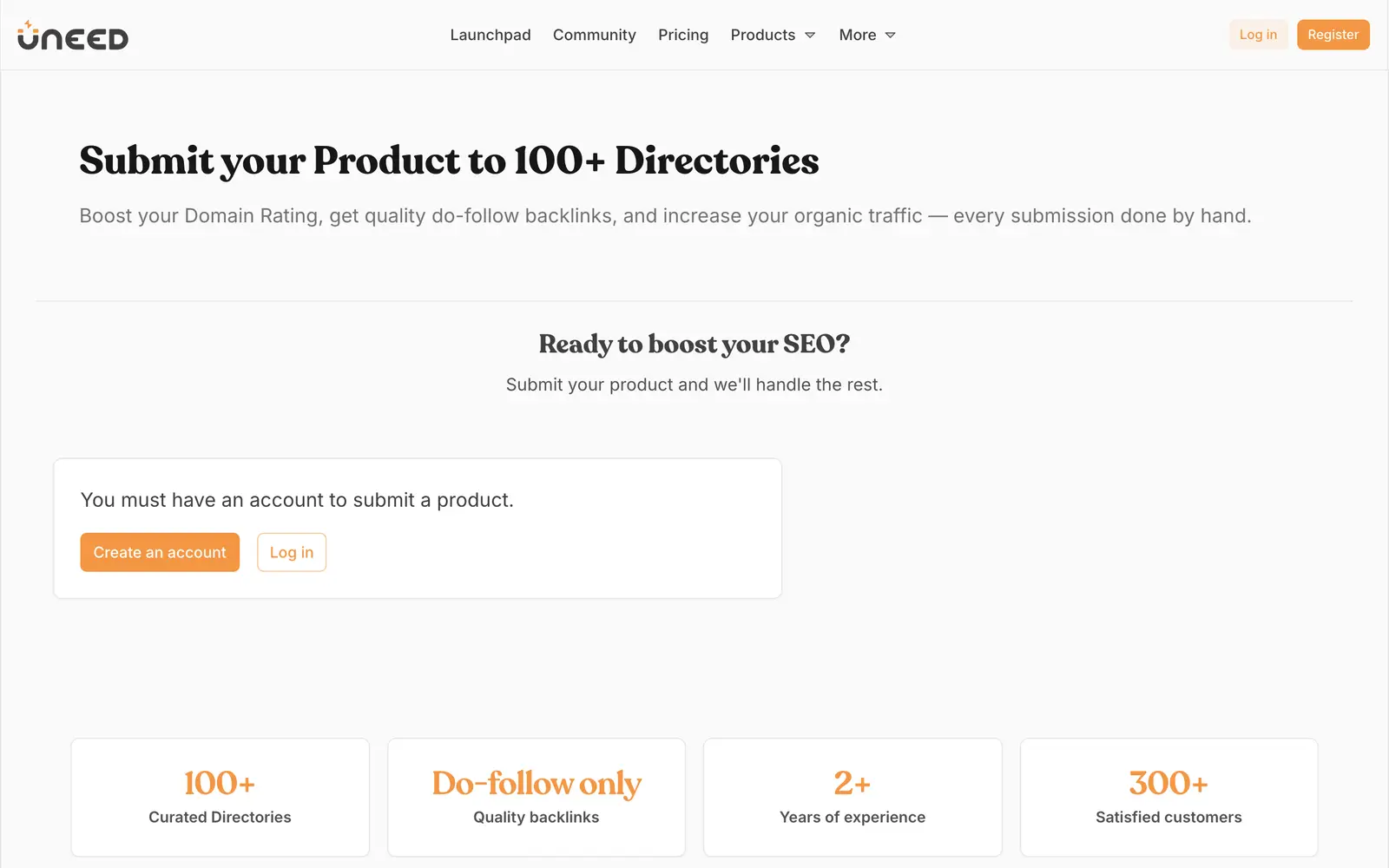

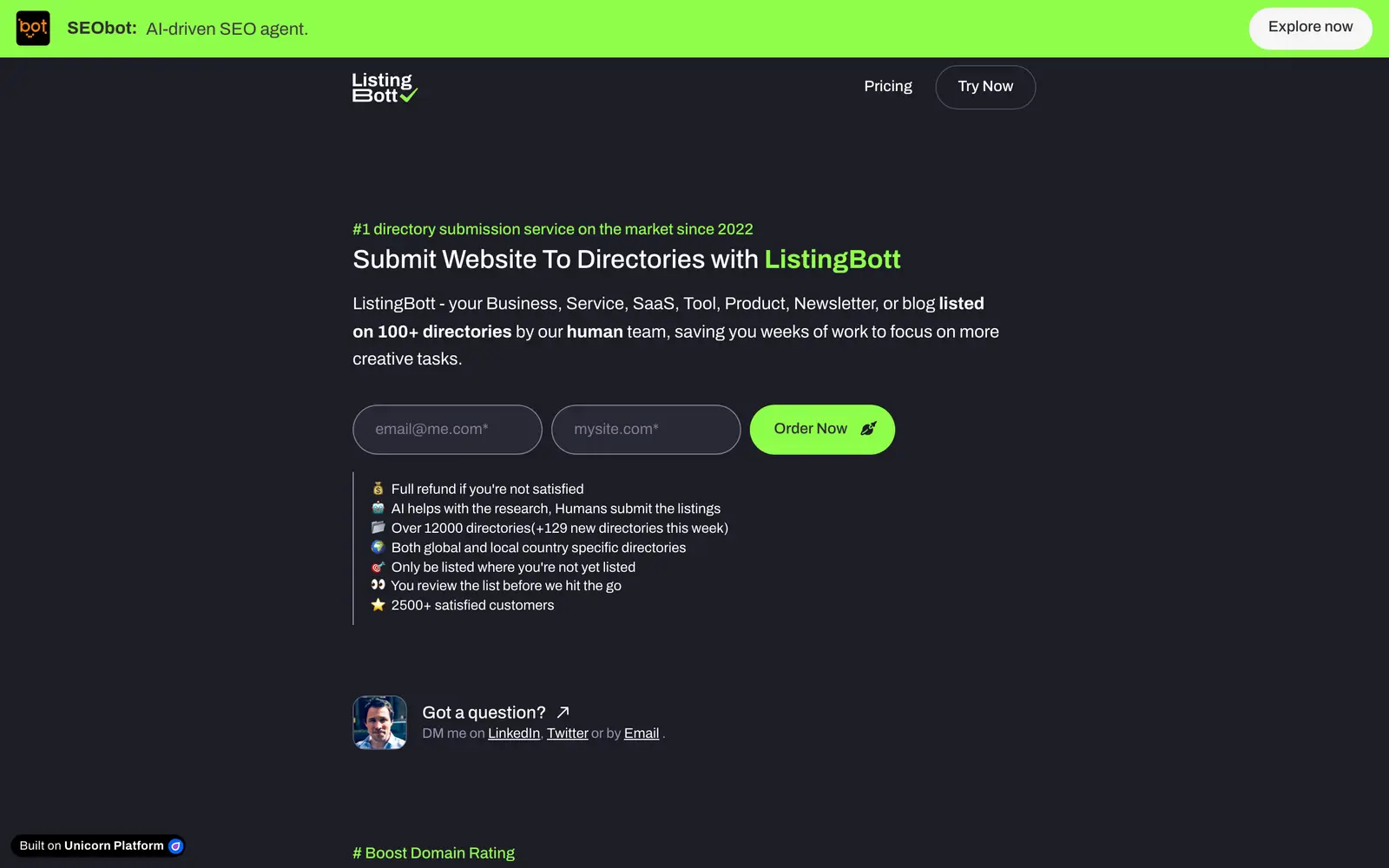
AI directory submission services: what $25–$299 actually buys
Ten bulk directory-submission services compared on what their pages and terms say: price, count, manual or not, report, refunds. Read October 10, 2026.
AI receipt scanners: how OCR expense apps compare, and what the free tiers leave out
How receipt OCR works and where it fails, what to check before paying, which free tiers cap what, and where your receipts are stored.