
Why we take our own screenshot of every AI tool we list
Vendor press images are identical across fifty catalogs. What it took to capture 1,443 AI tools ourselves: consent banners, bot walls and blank pages.
On this page6 sections
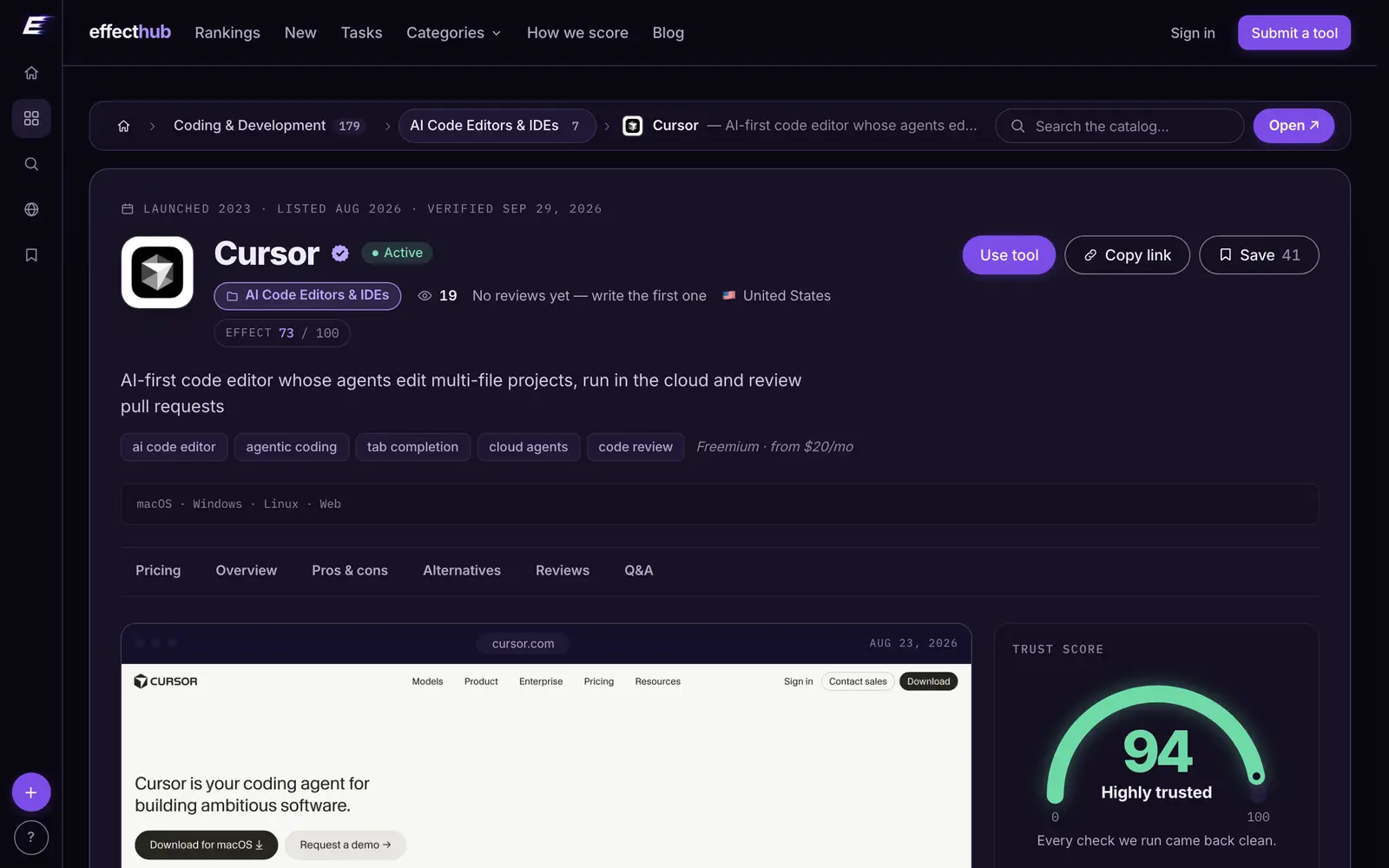
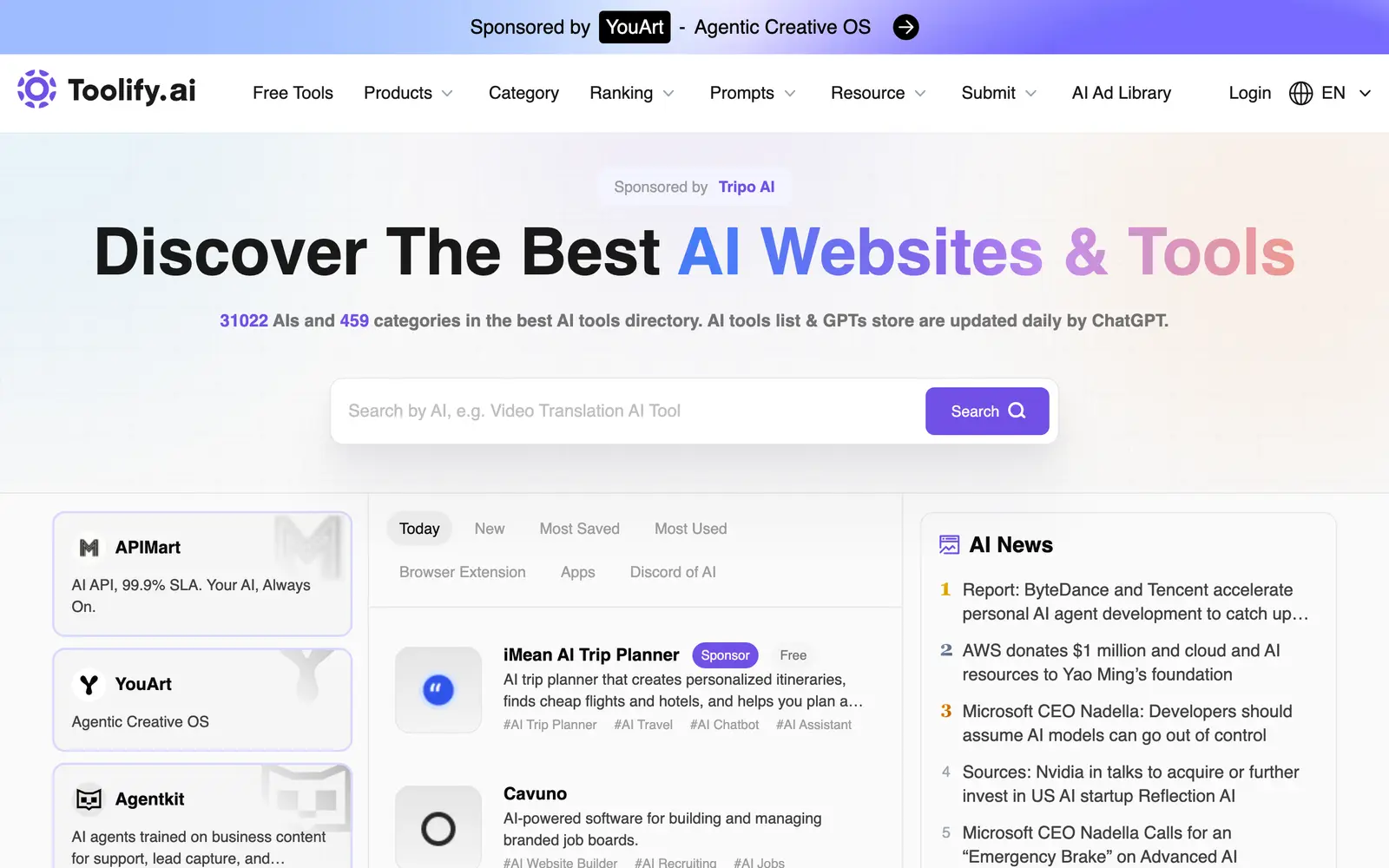
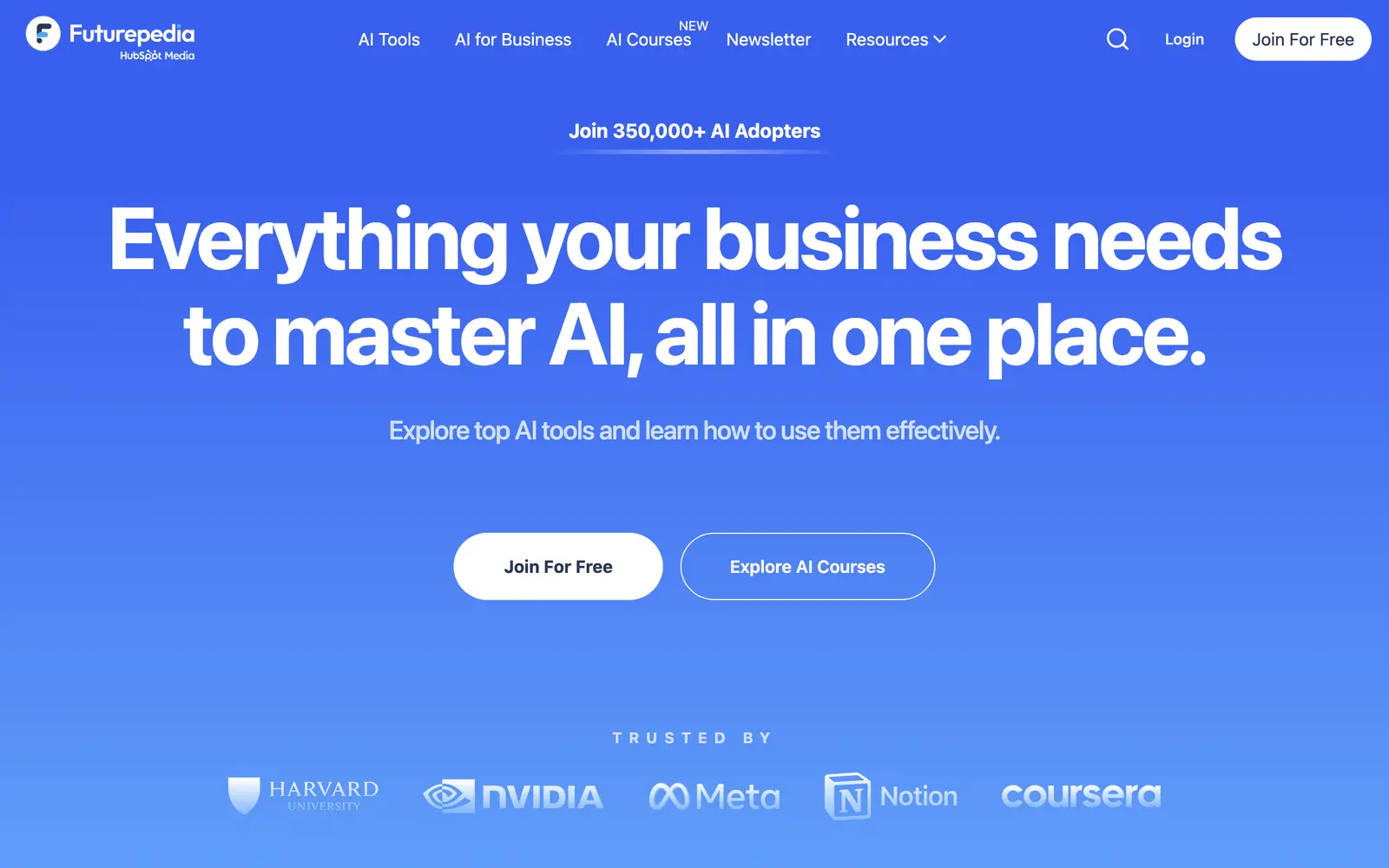
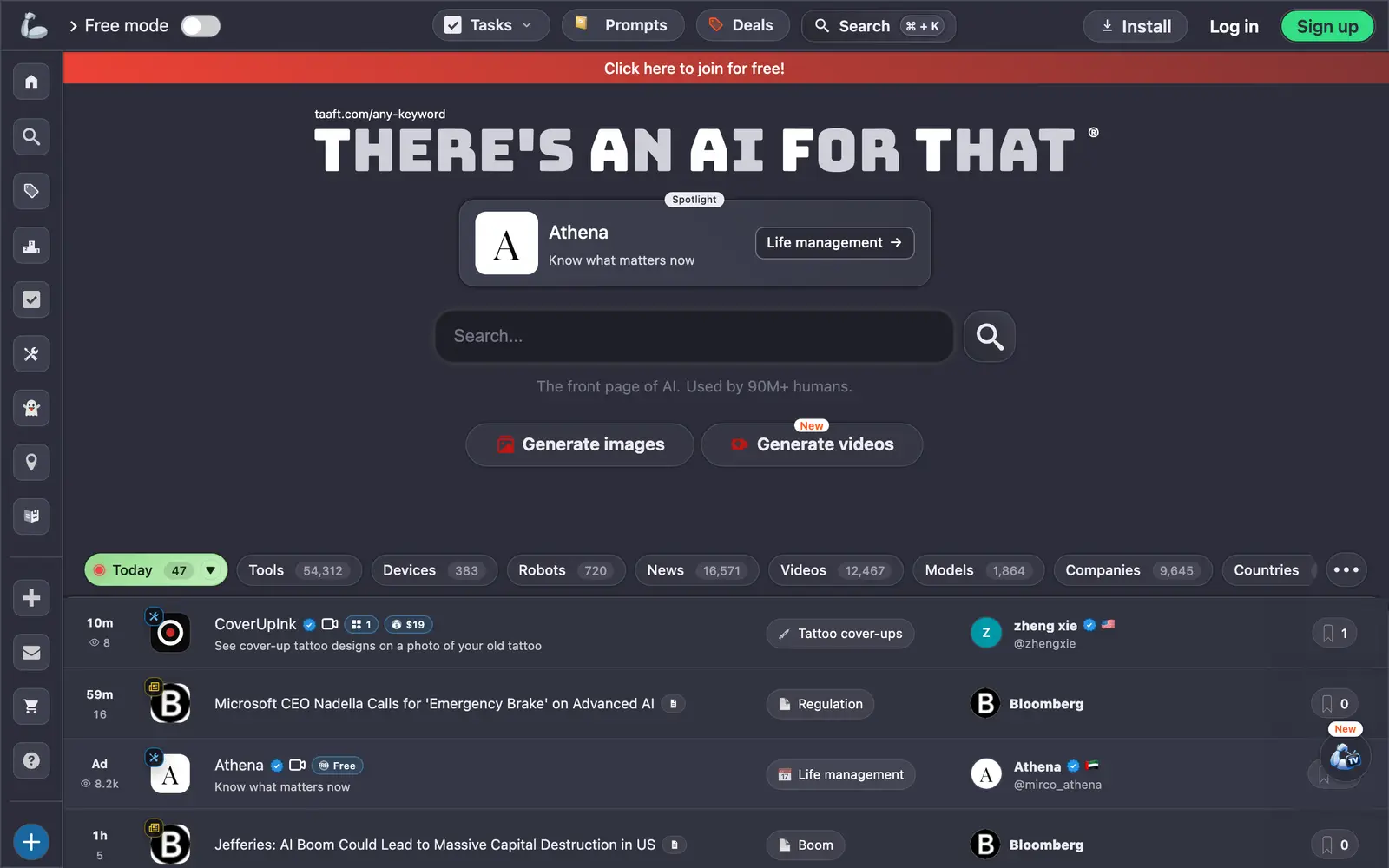
Almost every AI tool directory shows the same picture for the same product: the vendor's social-sharing image, the one that appears when someone pastes the link into a chat. It is designed to look good in a feed, it is often months out of date, and it is identical in every catalog that carries the tool. It tells you what the marketing team wanted you to see.
We wanted something else on our listings: a picture of the product's actual first screen, taken by us, recently. This post explains why, how we take them, and what went wrong along the way.
Why a screenshot is evidence
A frame of the running product answers questions a press image cannot. Does the site still load? Is it the product the listing describes, or has the domain been repurposed? Is the first thing a visitor sees a sign-up form, a waitlist, a cookie wall or a demo? When the picture is ours and carries a date, it is a small, checkable fact rather than decoration.
It is also something only a catalog that actually visits every tool can offer. That is why the capture appears on each tool page and in the page's structured data, where search engines and AI assistants read it as a screenshot of the software rather than as marketing.
How the captures are taken
A headless browser opens each tool's homepage in a desktop-sized window, 1280 by 800 pixels at double pixel density, waits for the page to settle and saves a WebP of the first screen. A typical frame is about 35 KB, so the whole catalog fits in roughly 70 MB. A frame older than 90 days is retaken on the next capture run, and each one is shown with the date it was taken.
Three rules shape what ends up in the frame:
- Consent banners are hidden, not accepted. Clicking "accept all" would consent, on our behalf, to tracking we have no business agreeing to. Instead the banner is removed from the screenshot: four common consent platforms are recognised directly, and a text-based check catches the home-grown ones.
- We say who we are. The browser identifies itself as a real browser plus our crawler name. Pretending to be an ordinary visitor would get past more bot walls; we accept being blocked more often as the price of being honest about who is knocking.
- Only public addresses. Every URL is checked before the visit and again after redirects, so a listing can never point the browser at a private network address.
The first full run
On the first pass over the published catalog, we captured 1,440 of 1,467 tools, or 98.2%. A retry at a gentler pace brought that to 1,443, or 98.4%. The remaining 24 are a fair map of how the web treats automated visitors:
| Why there is no frame | Tools |
|---|---|
| Bot protection challenge (Cloudflare, DataDome) | 7 |
| Rate limited, HTTP 429 | 7 |
| Single-page app that rendered a blank screen | 4 |
| Access refused, HTTP 403 | 3 |
| Server errors, HTTP 5xx | 3 |
A listing with no frame simply shows no screenshot section. Nothing is padded with a placeholder or the vendor's image instead.
Two bugs the run found
Capturing a whole catalog in one go is a good way to find the assumptions that only hold for the first hundred sites.
Every site with a form looked blocked. One of the signals we used to recognise bot walls was the presence of Google's reCAPTCHA script. It turned out that reCAPTCHA sits on a large share of perfectly normal pages, on every contact and sign-up form. The signal now counts only when the page is otherwise empty, which is what a real challenge page looks like.
One slow site held up everything. Individual steps had timeouts, but a whole capture did not. A single site that never finished rendering kept the last capture slot busy, and six workers sat idle for fifteen minutes waiting on it. Each tool now gets 90 seconds in total, after which it is marked as failed and the run moves on.
Our own speed caused trouble too. Most of the first pass's rate-limit errors were self-inflicted: six captures ran in parallel. Slowing down to two recovered some of them, and the seven sites in the table above still answered with HTTP 429.
The logos got the same treatment
Logos had a quieter version of the same problem. A sample of 200 listings showed how unreliable the usual shortcut is: asking a favicon service for a 64-pixel icon returned 64 pixels only about two-thirds of the time, with the rest arriving at 48, 32 or even 16 pixels. Around 8% came back as JPEGs with no transparency, and 3.5% of sites had no icon at all.
So logos are now normalised on our side into one consistent square tile, and where possible taken from the site's own high-resolution app icon rather than the favicon service. On the first full pass, 775 of 1,421 logos came from the tools' own sites.
Why it matters to you
None of this is visible as a feature. What you see is a tool page with a current picture of the product, a logo the same size as every other logo, and a status line saying when the tool was last checked. Behind it is the same principle as the rest of the catalog: facts we gathered ourselves, with a date on them, rather than material copied from the vendor or from other directories.
The full method, from the publish gate to the alive check, is on our how we verify page. To see the screenshots in place, open any listing in the catalog.
MethodologyBehind the scenes
Every tool named here has a live catalog page — price, status and when we last checked it.
Browse the catalogFollow new posts via the RSS feed.
Keep reading
All posts →State of AI tools, October 2026: 3,264 tools, by the numbers
3,264 AI tools counted on October 13, 2026: domain ages, .ai against .com, how they charge, median prices by category, platforms, countries and shutdowns.
State of AI directories, October 2026: 110 places, by the numbers
110 AI directories and launch sites checked on October 10, 2026: who still lists for free, what a badge buys, median prices, queues, links and closures.
Do AI directory backlinks help SEO? Nofollow, sponsored and dofollow explained
What nofollow, sponsored and ugc mean, what Google says about paid links, and what 97 directories serve in their link tags. Checked October 10, 2026.