
How to tell an AI tool is about to shut down
Most AI tools don't announce their end. The signals we watch while re-checking the catalog, and a five-minute check to run before you build on one.
On this page11 sections
- What "dead" means in the catalog
- The warning signs, from loud to quiet
- The domain stops answering, or gets parked
- The site redirects to someone else
- The certificate is about to lapse
- Signup turns into a waitlist
- The public trail goes quiet
- The domain is brand new
- What a shutdown actually costs you
- A five-minute check before you commit
- How our alive check works
AI tools rarely close with a press release. More often the changelog stops, the pricing page turns into a waitlist, the domain starts redirecting somewhere else, and one day the login page is gone. If your workflow, your client deliverables or your product depend on the tool, you find out last.
We re-check every listing in the catalog on a schedule, so we see this pattern constantly. When we prepared two batches of 120 candidate listings in August 2026, our publish gate held back 26 of them. Fifteen of those turned out to be products that had shut down or been folded into another company in the months since our source lists were compiled. In this market, months is enough.
- Held back by our publish gate26
- Of those, shut down or folded15
This post covers how we decide a tool is gone, the warning signs that come before that, and a short check you can run yourself before committing to any tool.
What "dead" means in the catalog
A tool's status is one of a handful of states, and the distinctions matter more than they look:
- Active. The last check reached the product and got a normal response.
- Possibly discontinued. Checks are failing, but not often or consistently enough to call it. The card stays up with a warning and drops out of rankings.
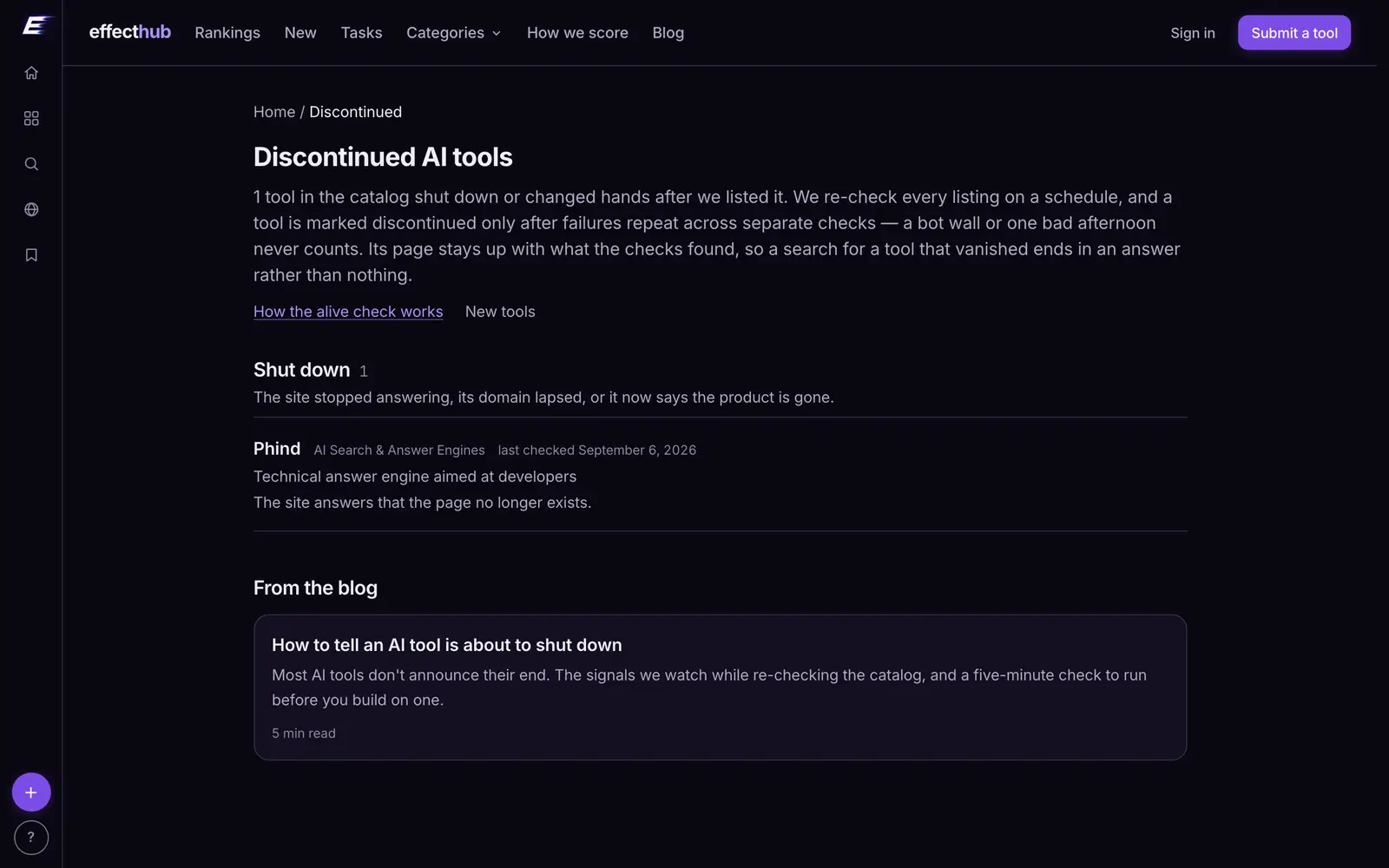
- Discontinued. Confirmed gone: the domain is dead or parked, or it now points at a different product. The record keeps the date and the reason instead of being deleted.
- Acquired. The product lives on under another company, often under another name.
One state deliberately does not count as death: a bot wall. Many healthy sites answer automated checks with a challenge page or a "too many requests" error. That is a blocked request, not a death certificate, and treating it as one would retire perfectly good tools from the catalog every week.
The warning signs, from loud to quiet
Some of these are definitive and some only raise the odds. Together they tell a story.
The domain stops answering, or gets parked
A failed DNS lookup, an expired registration or a "this domain is for sale" page is the loudest signal there is. It is also the last one: by the time the domain lapses, the company has usually been gone for a while.
The site redirects to someone else
When the product's address starts redirecting to a parent company, a new brand or an unrelated product, it has usually been acquired or rebranded. Sometimes the product continues under a new name; often the redirect is the only thing left of it. Either way, your account, data and pricing are now someone else's decision.
The certificate is about to lapse
Every check we run completes an HTTPS handshake, so we know when a site's certificate expires. Certificates renew automatically on a maintained site. One that is days from expiry, or already expired, on a site that is otherwise online means nobody is minding the infrastructure.
Signup turns into a waitlist
A pricing page that disappears, plans that can no longer be bought, or a "join the waitlist" button where "start free" used to be are classic signs of a product winding down or pivoting. Existing customers are often the last to be told.
The public trail goes quiet
No changelog entries, release notes or blog posts in six months or more. A support address that bounces. A status page that stopped updating. None of these alone proves anything, since small teams ship without writing about it, but a product that has gone silent everywhere at once usually has a reason.
The domain is brand new
This is the opposite end of the same question. A domain registered three weeks ago is not dying, but it has not proven anything either. We read every listing's domain registration date and certificate issuer for exactly this reason: longevity is part of how much trust a listing earns, and a launch date in a press kit is not the same as a domain that has been registered for five years.
What a shutdown actually costs you
The subscription is the cheap part. The expensive parts are everything you built on top:
- Your data. Files, histories, trained voices, brand kits and workspaces that may not be exportable once the shutdown notice arrives.
- Your integrations. Automations, API calls and plugins that break the day the service does.
- Your habits. Prompts, templates and team workflows that need rebuilding somewhere else, usually in a hurry.
Which is why the best time to check a tool's health is before you depend on it, and the second-best is now.
A five-minute check before you commit
You do not need special tools for this. Before building anything important on an AI product:
- Open the site in a private window. Does the homepage load cleanly, and can a new user still sign up or buy a plan?
- Find the latest changelog or release note. Anything in the last three months is a good sign; nothing in a year is a question to ask.
- Check the export options. Can you get your work out in a format another tool can read? If not, plan for it now.
- Search the news. The tool's name plus "acquired", "sunset" or "shutting down" takes thirty seconds and occasionally saves months.
- Look at the alternatives. If you had to switch next month, where would you go? Knowing the answer turns a shutdown from a crisis into an errand.
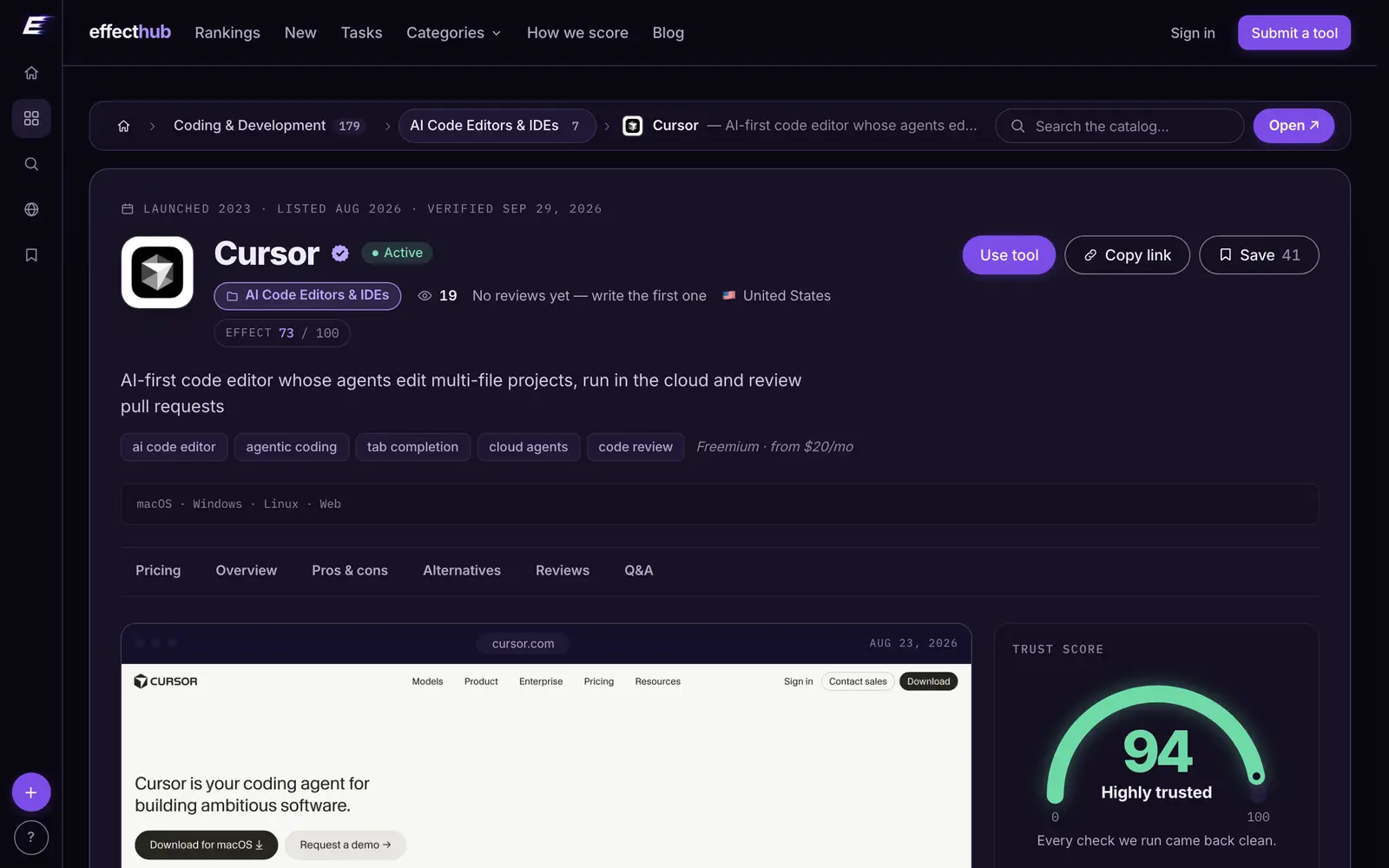
Every card in our catalog shows the tool's status and the date it was last verified, and many link to researched alternatives, which covers steps one and five in a single page view.
How our alive check works
We probe every published listing on a schedule, more often for tools people actually use: every three days for the most-visited, every week for the middle and every month for the long tail. A few rules keep the check honest:
- Canaries first. Each run starts by checking a handful of famously reliable sites. If those fail, the problem is our own network, and the run stops before it can mark a single tool as dead.
- Repeated failures, not one. A tool is called discontinued only after failures repeat across separate checks. A bad afternoon on someone's server is not a shutdown.
- Dead tools stay listed. A discontinued product keeps its page, labelled, with the date and reason, so anyone searching for it learns what happened instead of finding nothing.
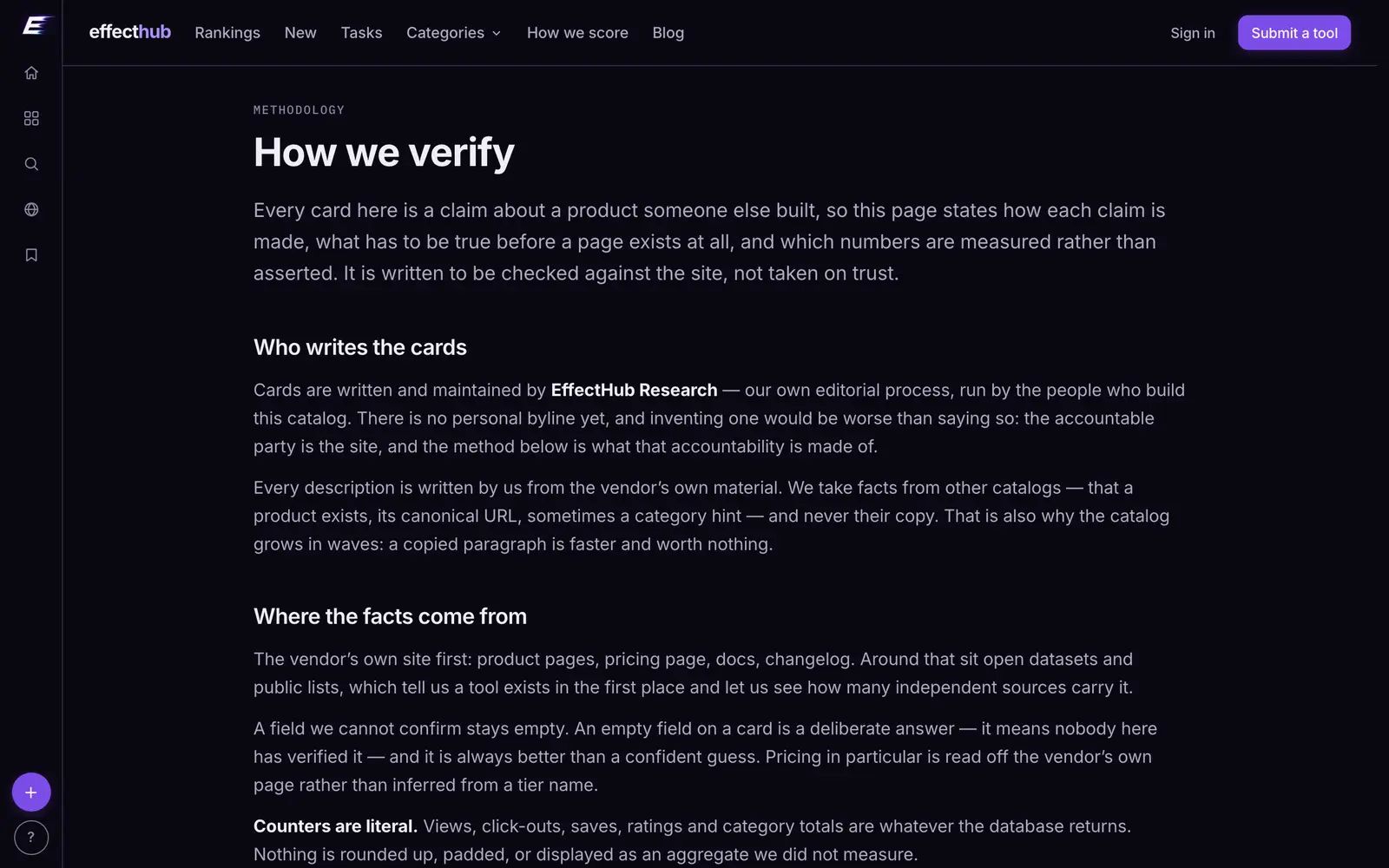
The full method, including what a listing has to prove before it is published at all, is on our how we verify page. Browse the catalog by category and the status sits on every card.
Alive checkGuides
Every tool named here has a live catalog page — price, status and when we last checked it.
Browse the catalogFollow new posts via the RSS feed.
Keep reading
All posts →State of AI tools, October 2026: 3,264 tools, by the numbers
3,264 AI tools counted on October 13, 2026: domain ages, .ai against .com, how they charge, median prices by category, platforms, countries and shutdowns.
State of AI directories, October 2026: 110 places, by the numbers
110 AI directories and launch sites checked on October 10, 2026: who still lists for free, what a badge buys, median prices, queues, links and closures.

Do AI directory backlinks help SEO? Nofollow, sponsored and dofollow explained
What nofollow, sponsored and ugc mean, what Google says about paid links, and what 97 directories serve in their link tags. Checked October 10, 2026.