
How to check an AI tool before you give it your card or your data
Domain age, a named company, a valid certificate, a real price: the eight checks behind our trust score, and how to run each one yourself in ten minutes.
On this page11 sections
- The eight checks, and how much each one counts
- 1. Is the site actually up?
- 2. How old is the domain?
- 3. Who runs it?
- 4. Does anyone else list it?
- 5. Can the claims be traced?
- 6. Is the connection sound?
- 7. Is there a price?
- 8. What do real users say?
- Three questions the score cannot answer for you
- The ten-minute version
A new AI tool can look finished in an afternoon. A template, a generated logo, a pricing table and a wall of testimonials cost almost nothing to produce, and the result is hard to tell apart from a product a real team has run for years. The difference only shows up later: when a charge cannot be disputed, when a free trial will not cancel, or when the files you uploaded turn out to have no owner anyone can name.
Every listing in our catalog carries a trust score built from eight checks. None of them needs inside access. This guide walks through each one, why it matters, and how to run it yourself before you hand over a card number, a login or a folder of client files.
The eight checks, and how much each one counts
The score answers one question: what do we actually know about the site you are about to sign up for? It is deliberately separate from popularity. A tool with heavy traffic and a five-star average can still score low here, because traffic and ratings are exactly the things a scam can buy.
| Check | Weight | What it asks |
|---|---|---|
| Site is up | 18% | Does the tool's own address answer, and when did we last look? |
| Domain age | 16% | How long has the domain itself been registered? |
| Named operator | 15% | Can we name the company behind it, and where it is registered? |
| Independently listed | 13% | How many catalogs carry the tool without us? |
| Sourced claims | 13% | Can each price and ownership claim be traced to a page? |
| Valid certificate | 10% | HTTPS, from a certificate that has not expired |
| Published pricing | 8% | Is there a price before you sign up? |
| Visitor reception | 7% | What did people who rated it say? |
A check we could not run steps aside and its weight is shared among the others. A check that came back empty does not: an operator nobody can name is not a gap in the research, it is the finding.
- Site is up18%
- Domain age16%
- Named operator15%
- Independently listed13%
- Sourced claims13%
- Valid certificate10%
- Published pricing8%
- Visitor reception7%
1. Is the site actually up?
Open the tool in a private browser window, so no logged-in session hides what a stranger sees. Click through to the pricing page, the signup form and the documentation. A product whose marketing page loads but whose app, docs or checkout returns an error is either broken or winding down.
We probe every published listing on a schedule and print the date of the last check on its card. If you only do one thing, look at that date and the status next to it.
2. How old is the domain?
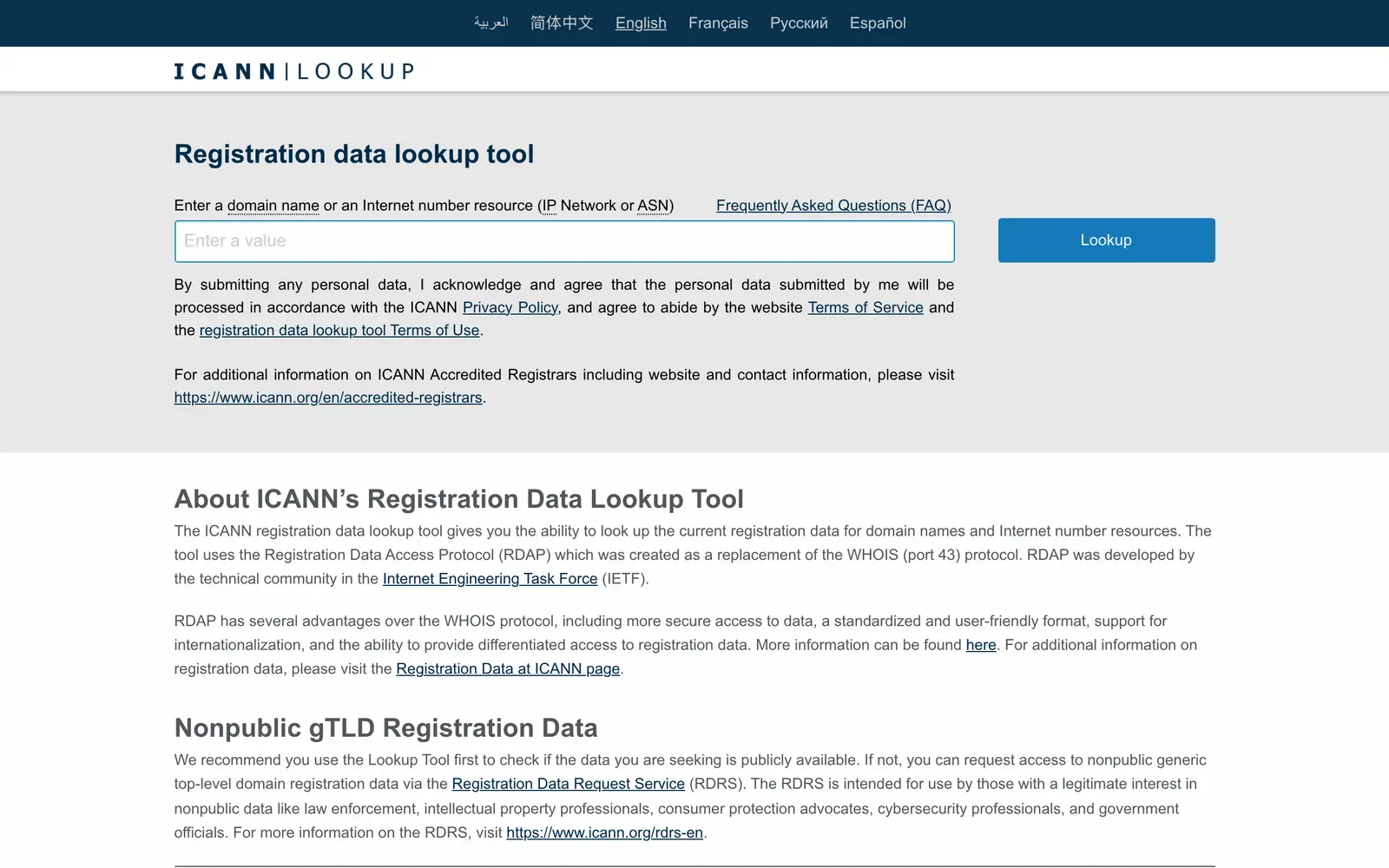
This is the single hardest signal to fake. Anyone can buy a domain today; nobody can buy one that was registered eight years ago. Look the domain up in a registration data service such as ICANN Lookup, which queries the registry over RDAP, the protocol that replaced WHOIS. The creation date is near the top.
A brand-new domain is not proof of a scam. Real products launch every week. But a domain registered last month, selling annual plans with testimonials from "thousands of happy customers", is a mismatch worth one more minute of your time.
3. Who runs it?
Scroll to the footer and open the terms of service and the privacy policy. A legitimate operator names its legal entity there, because the contract has to be with someone. Then check that the entity exists in a public company register: Companies House for the UK, the relevant state business search in the US, a national register in the EU, or an aggregator like OpenCorporates.
No company name anywhere, terms copied from another site with someone else's name still in them, or a contact page that is only a form: each of these is the same warning. If something goes wrong, there is nobody to send the complaint to.
4. Does anyone else list it?
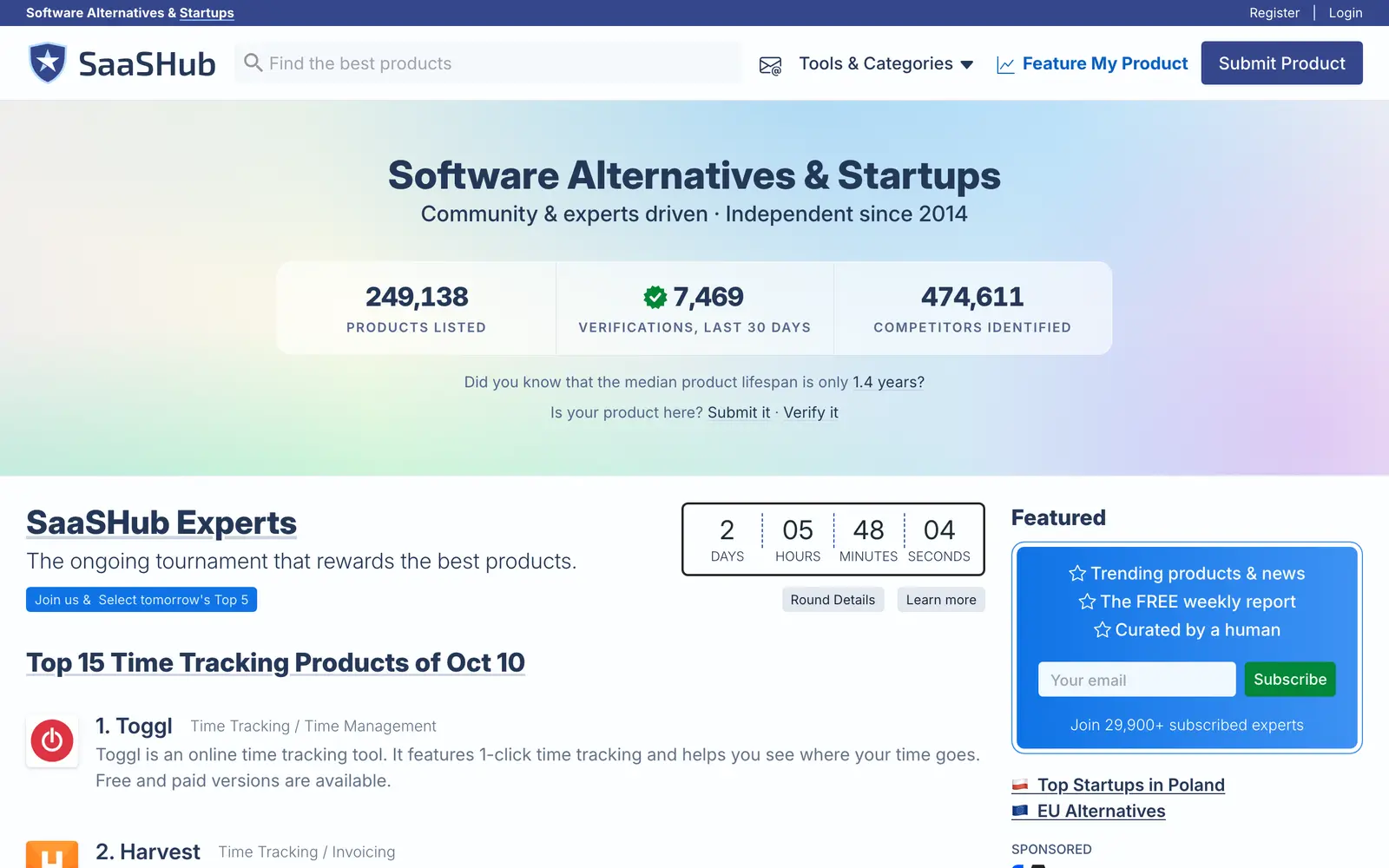
Search for the tool's name in a few independent directories and review sites. One listing is a listing. Several unrelated catalogs that found the product on their own are a track record that took time to build. We count how many of our source catalogs carry each tool, and a listing needs at least two independent sources, or two claims we can source, before we publish it.
5. Can the claims be traced?
A card that says "SOC 2 certified", "used by Fortune 500 teams" or "from $9 a month" should point at the page where that is stated. On the vendor's own site, follow the claim: a security page that links a trust portal or an audit report is a claim with something behind it; a badge image with no link is decoration.
6. Is the connection sound?
Click the padlock in the address bar and look at the certificate: who issued it and when it expires. Certificates renew automatically on a maintained site, so one that has expired, or is days away from it, on a site that is otherwise online means nobody is minding the infrastructure.
Keep the limit of this check in mind. A valid certificate proves the connection is encrypted to that domain. It says nothing about whether the people at the other end are honest, and free certificates are available to anyone. It is a floor, not a recommendation.
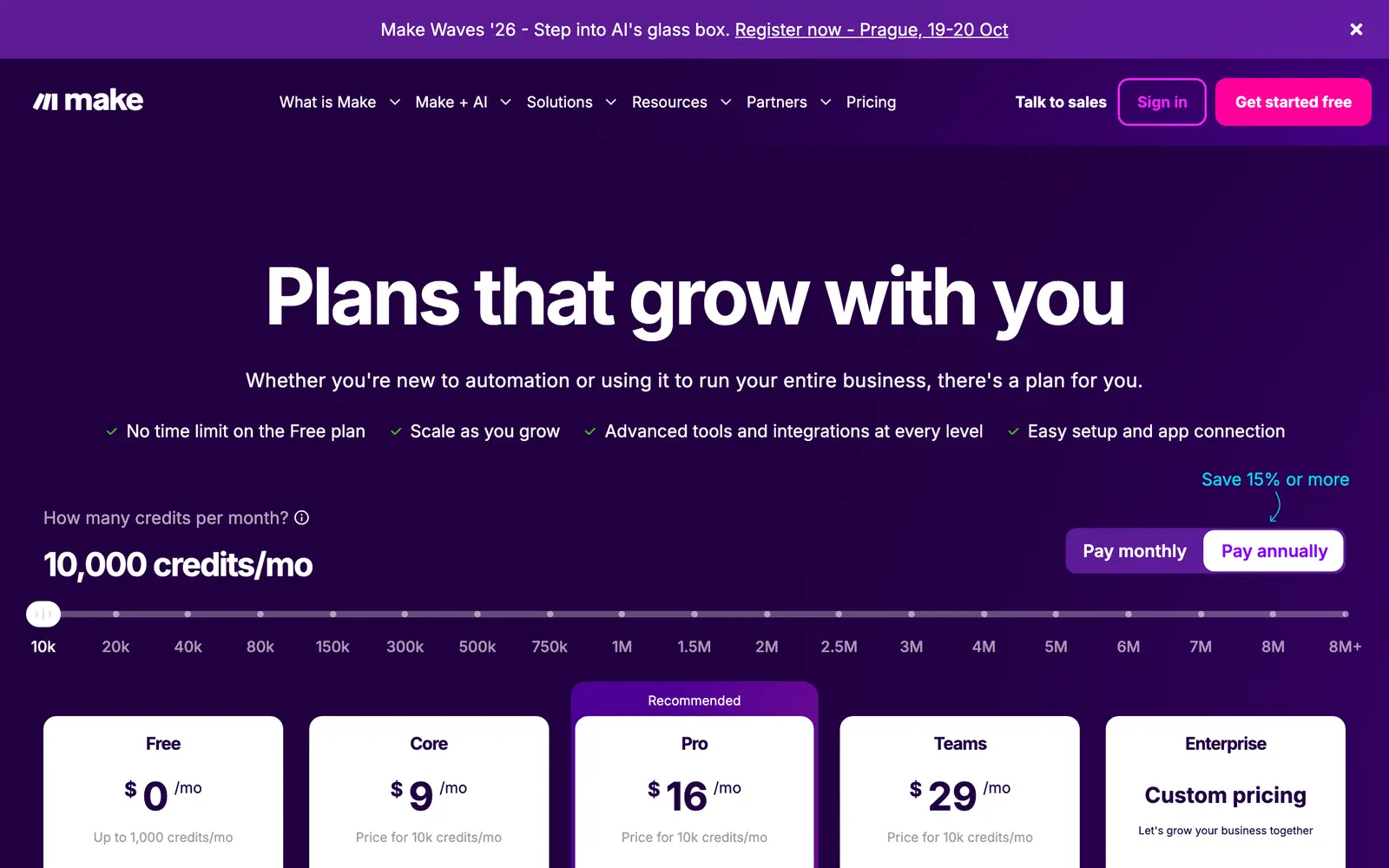
7. Is there a price?
A number on the pricing page, before signup, is a basic courtesy and a meaningful signal. "Contact sales" is normal for enterprise products. A pricing page with no prices at all, or a price that only appears after you enter a card for a "free" trial, deserves a closer read. Our guide to pricing labels covers what each model actually promises, including the four questions to ask before you start a free trial.
8. What do real users say?
Ratings matter least of the eight, on purpose: they are the easiest signal to manufacture. Read the critical reviews rather than the average, and look for specifics. A complaint about a refund that never came, repeated by unrelated people, is worth more than a hundred five-star lines that could describe any product.
Three questions the score cannot answer for you
Some risks depend on what you plan to do with the tool, so no catalog can score them for you:
- What happens to your data? Find the sentence in the privacy policy about training. Many AI products may use your inputs to improve their models unless you opt out, and the default can differ between free and paid plans.
- Can you leave? Check the export options before you upload anything you would need back: files, transcripts, generated assets, settings.
- How do you cancel? A subscription you can start in one click should be cancellable in one. If the help pages describe cancellation as "contact support", believe them.
The ten-minute version
Before you pay for or upload anything important:
- Open the site in a private window and click through pricing, signup and docs.
- Look up the domain's registration date.
- Find the company name in the terms, and confirm it in a public register.
- Check the certificate's issuer and expiry date.
- Read the training and retention lines in the privacy policy, and the export and cancellation pages.
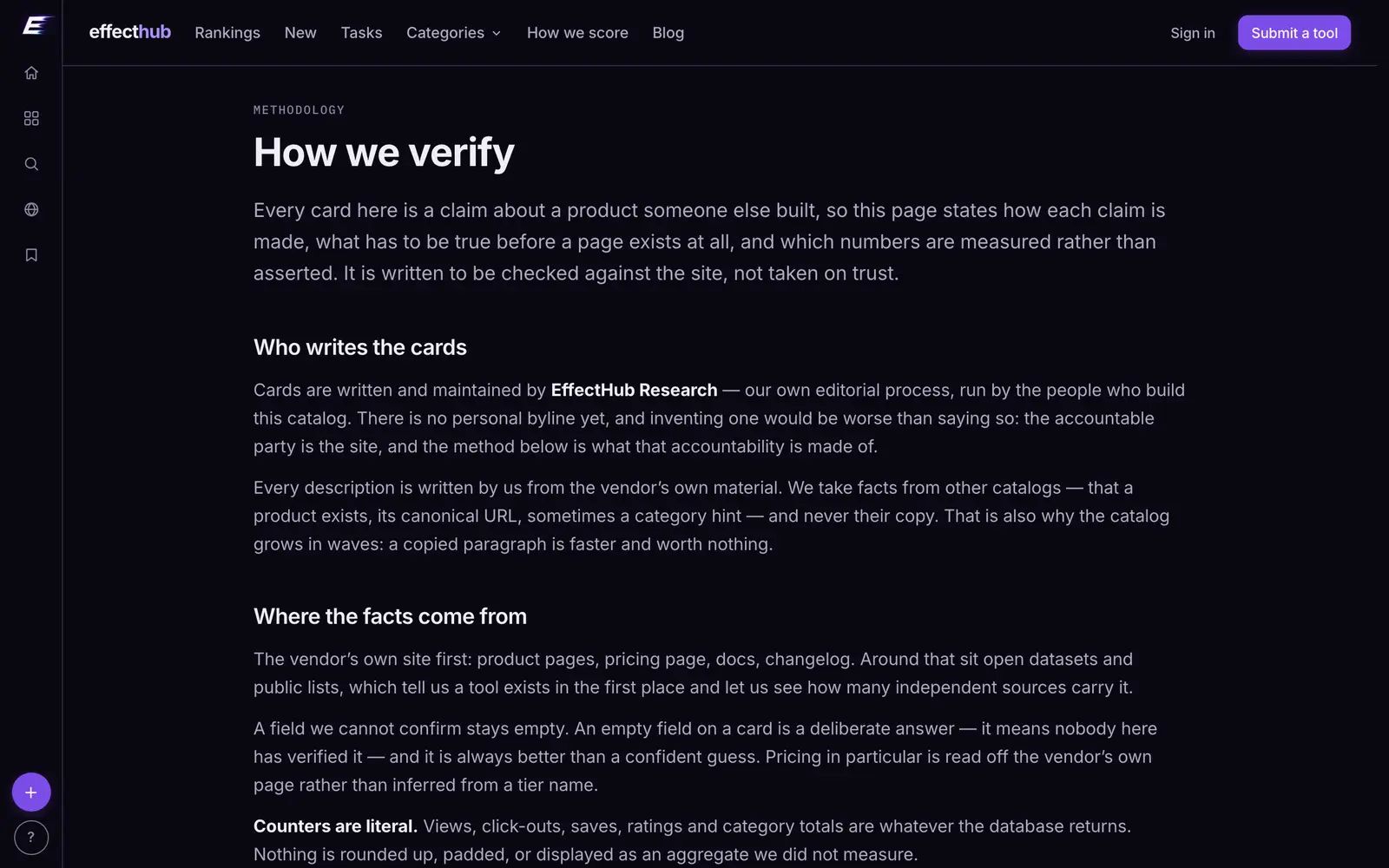
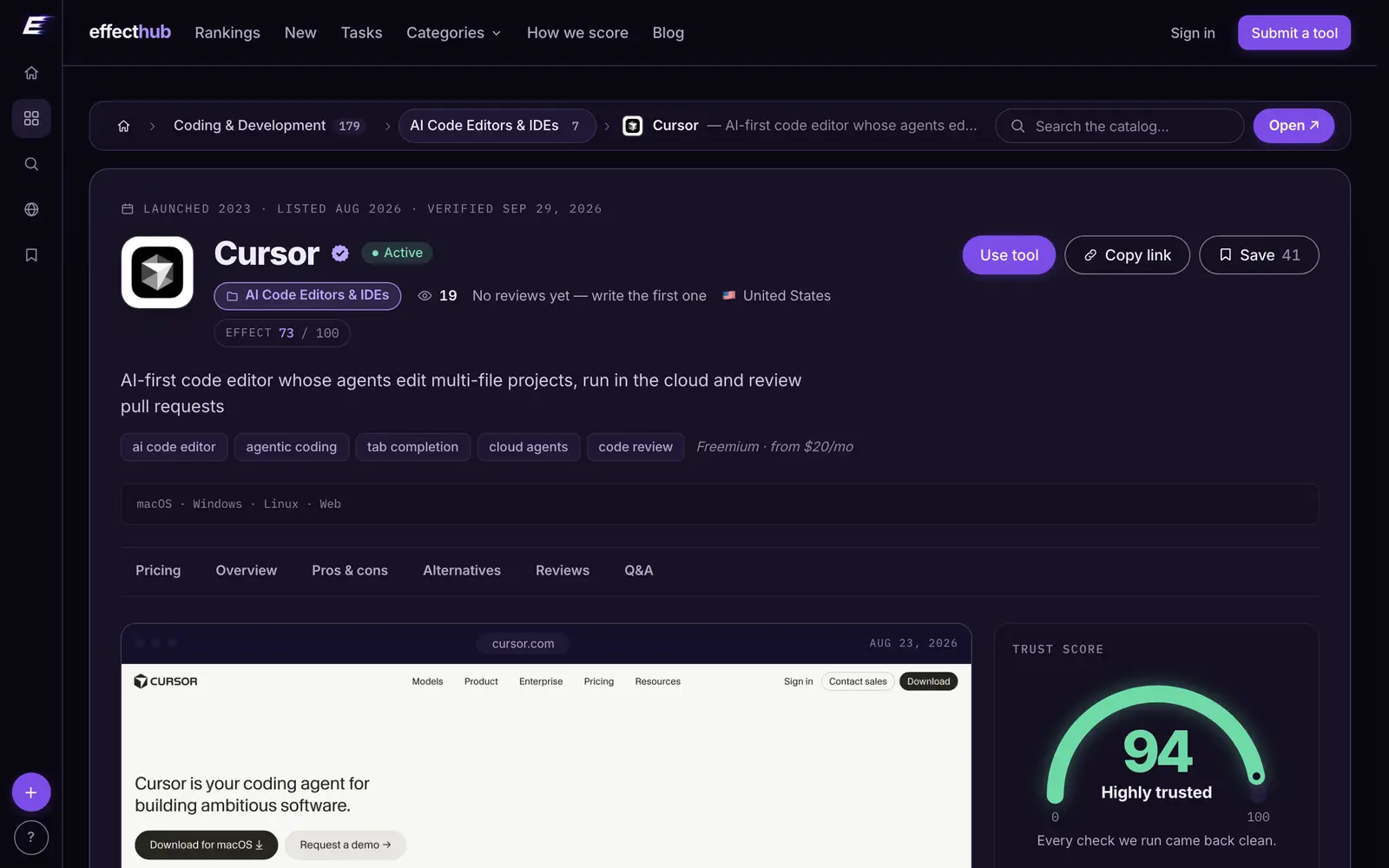
Or let the catalog do the first four: every tool page shows its trust score with the findings behind it, worst news first. How each check is scored is set out on our how we verify page, and the free tools are a good place to try a product before any card is involved.
TrustGuides
Every tool named here has a live catalog page — price, status and when we last checked it.
Browse the catalogFollow new posts via the RSS feed.
Keep reading
All posts →State of AI tools, October 2026: 3,264 tools, by the numbers
3,264 AI tools counted on October 13, 2026: domain ages, .ai against .com, how they charge, median prices by category, platforms, countries and shutdowns.
State of AI directories, October 2026: 110 places, by the numbers
110 AI directories and launch sites checked on October 10, 2026: who still lists for free, what a badge buys, median prices, queues, links and closures.
Do AI directory backlinks help SEO? Nofollow, sponsored and dofollow explained
What nofollow, sponsored and ugc mean, what Google says about paid links, and what 97 directories serve in their link tags. Checked October 10, 2026.